01 / Read before arranging
Choose a short piece of real content. Identify the title, central idea, supporting detail and anything the reader may need to find again. Read it aloud. Awkward transitions in the text cannot always be repaired with typography.
Set the text in one typeface at a comfortable size. Use a clear distinction between heading and body copy, then add a smaller supporting style only if the content needs it. Avoid starting with an elaborate specimen that contains no real paragraphs.
02 / Adjust a relationship
Change the line measure and read the paragraph again. Watch the movement from the end of one line to the beginning of the next. Then change leading while keeping the measure steady. The two settings interact, so compare a few deliberate versions instead of moving every control at once.
Build the page around repeated relationships: the gap after a heading, the distance from image to caption and the position of navigation. Try resolving an ambiguous grouping with space before adding a box, colour or extra weight. Decoration should not be asked to compensate for unclear structure.
03 / Proof at the reading size
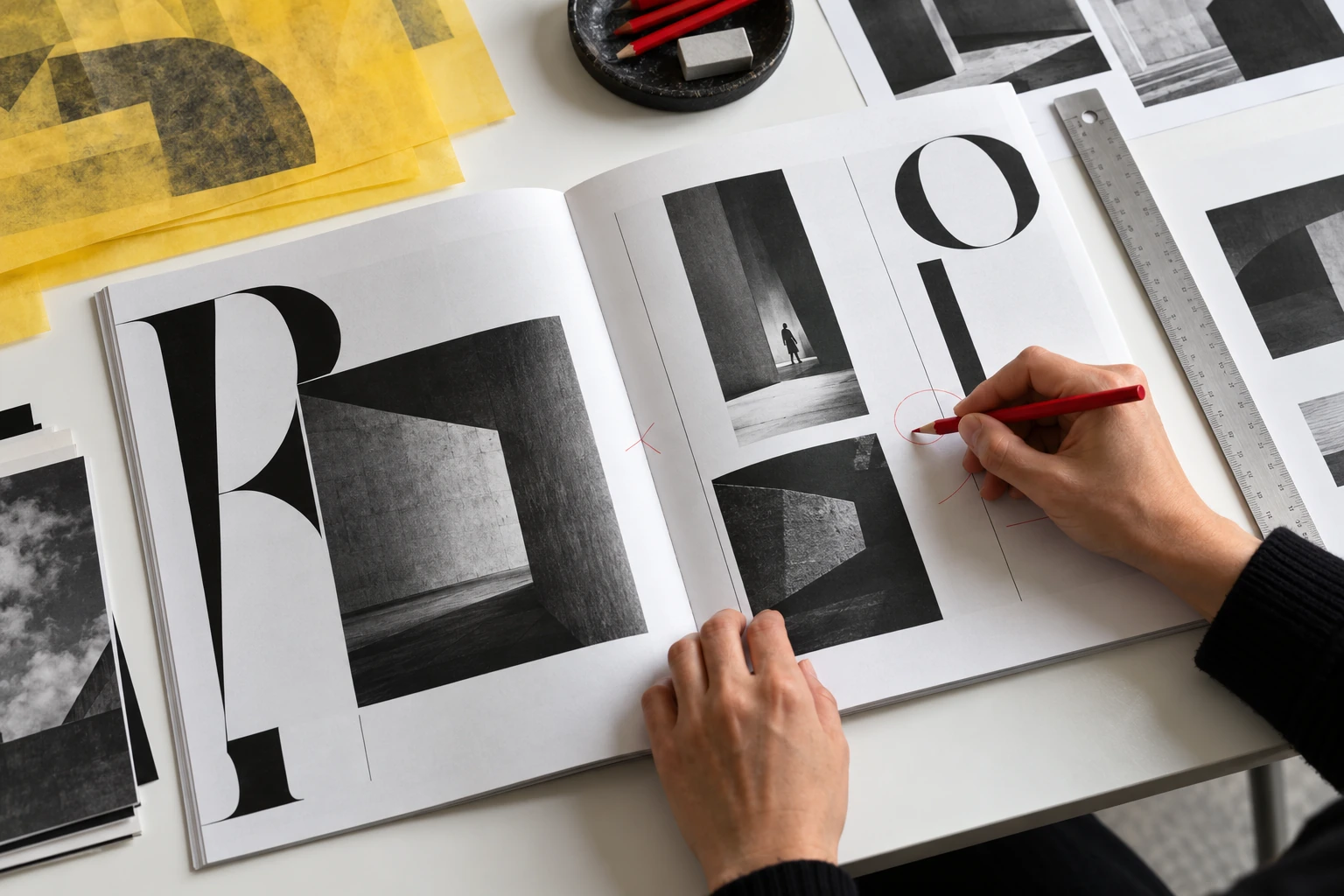
Print a proof or display the page at its intended physical size. Follow the reader's likely task: find the topic, understand the main point and return to a detail. Mark the place where the route breaks, not just the element you dislike.
Ask another reader to use the page without a design explanation. Record what they miss, misread or revisit. Revise the relationship responsible and compare the new version with the first proof. Keep a small record of the settings so that a successful choice can become a consistent part of the publication.
Keep one marked proof and one clean revision. Describe the reading problem each change addressed, rather than collecting settings without their purpose.
Your working checklist
- Work with real content from the beginning.
- Test type, measure and leading as a relationship.
- Proof at the intended reading size.
- Use reader observations to guide the next revision.